


How to Log Into Discord with a Token
How to Log Into Discord with a Token: Step-by-Step Guide
A Discord token is not a login or a password. It is an access key to your account. If you have your own token, you can log into Discord without entering a password and without 2FA. Below are simple login methods, how to get a token, and what not to do to avoid losing your account.
Important: never share your token with others. Anyone who gets your token gets full access to your account. If your token is stolen, immediately change your Discord password - this will reset all active sessions.
1. What Is a Discord Token and Why You Need It
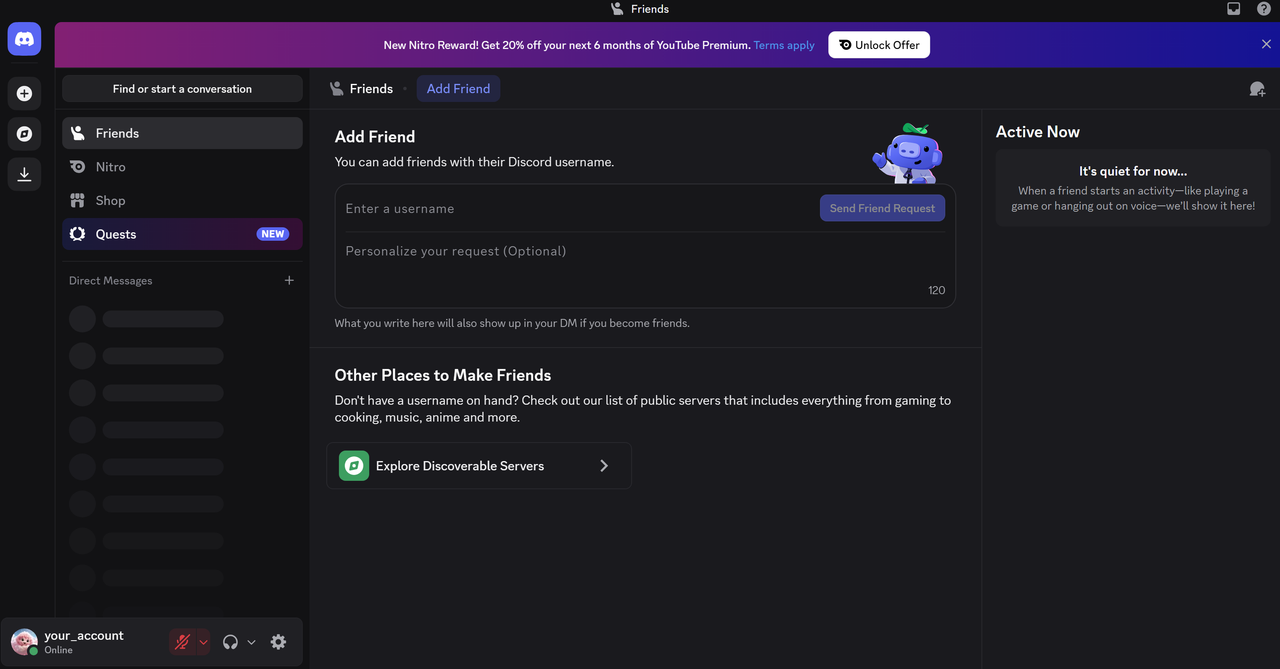
A token is a long string of characters that confirms your session in Discord. It is used to work with the API: bots, scripts, and third-party programs communicate through it. A regular user may need a token to log into their account without a password, manage multiple accounts, or recover access if the password is lost but the token is saved.
The token remains valid until you change your password or log out of all sessions. So keep it as safe as you keep your password.
2. How to Get Your Discord Token
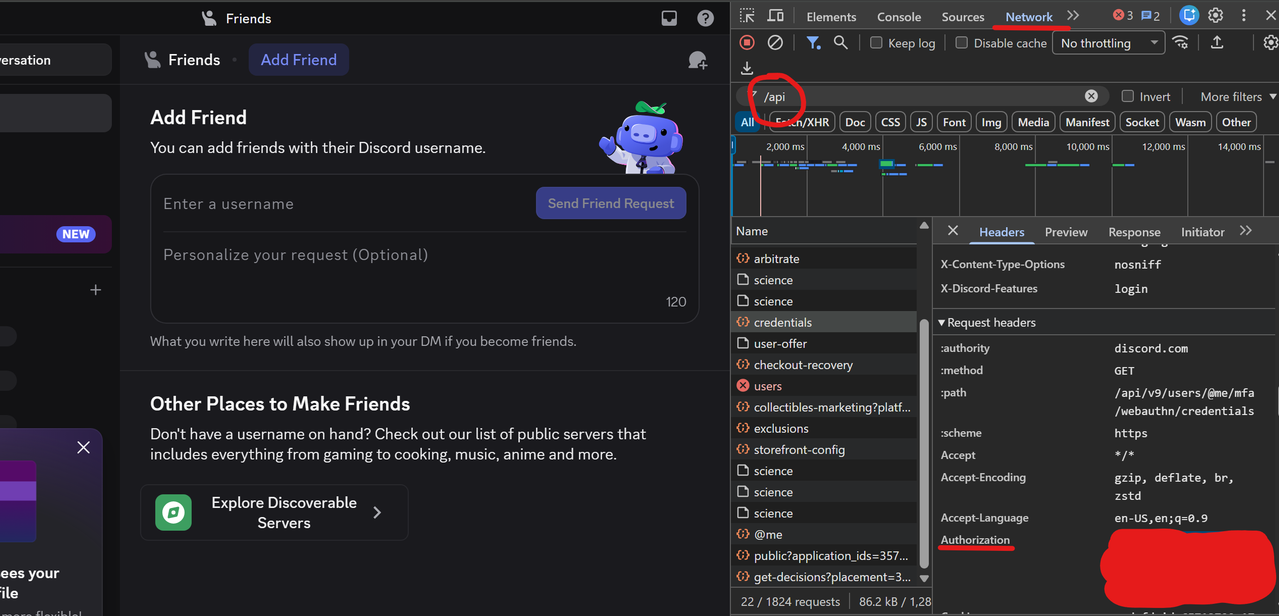
1. Open discord.com/app and log into your account.
2. Press F12 or Ctrl + Shift + I (Windows/Linux) / Cmd + Option + I (Mac).
3. Go to the Network tab.
4. In the filter field, type /api.
5. Refresh the page or switch to any server so that requests appear.
6. Click on any request. On the right, open the Request Headers section.
7. Find the authorization line. The value next to it is your token. Copy it.
Alternative method: in the Application tab -> Local Storage -> https://discord.com find the token field. The token there will be in quotes. Do not copy the quotes.
3. Method 1: Login via Browser Extension
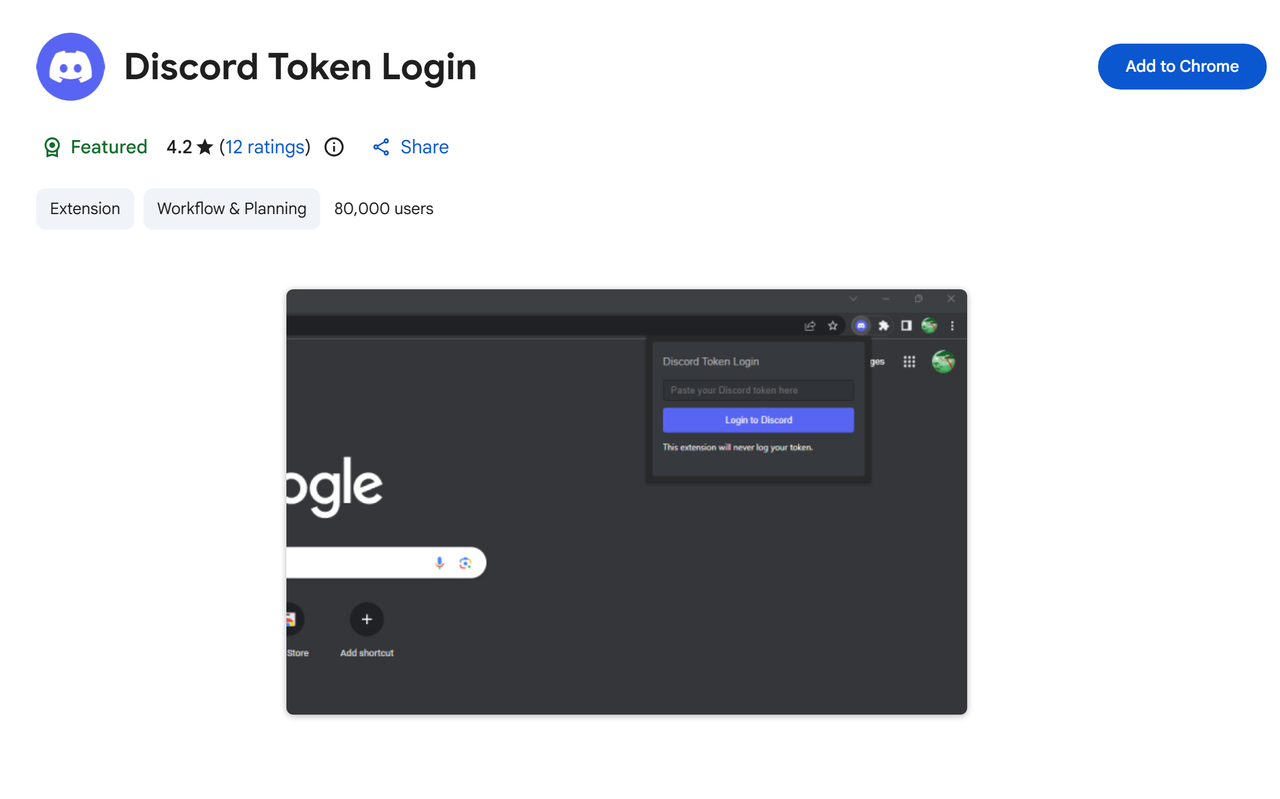
This is the fastest way for a regular user.
1. Open Chrome Web Store or Firefox Add-ons.
2. Find the extension Discord Token Login or #TS Discord Token Login.
3. Install it.
4. Click the extension icon in your browser toolbar.
5. Paste your token into the input field.
6. Click the Login button.
7. A new tab will open with your account already logged in.
Tip: use only extensions from official stores. If the extension code is open on GitHub, it is better to check it before installing.
4. Method 2: Login via Browser Console
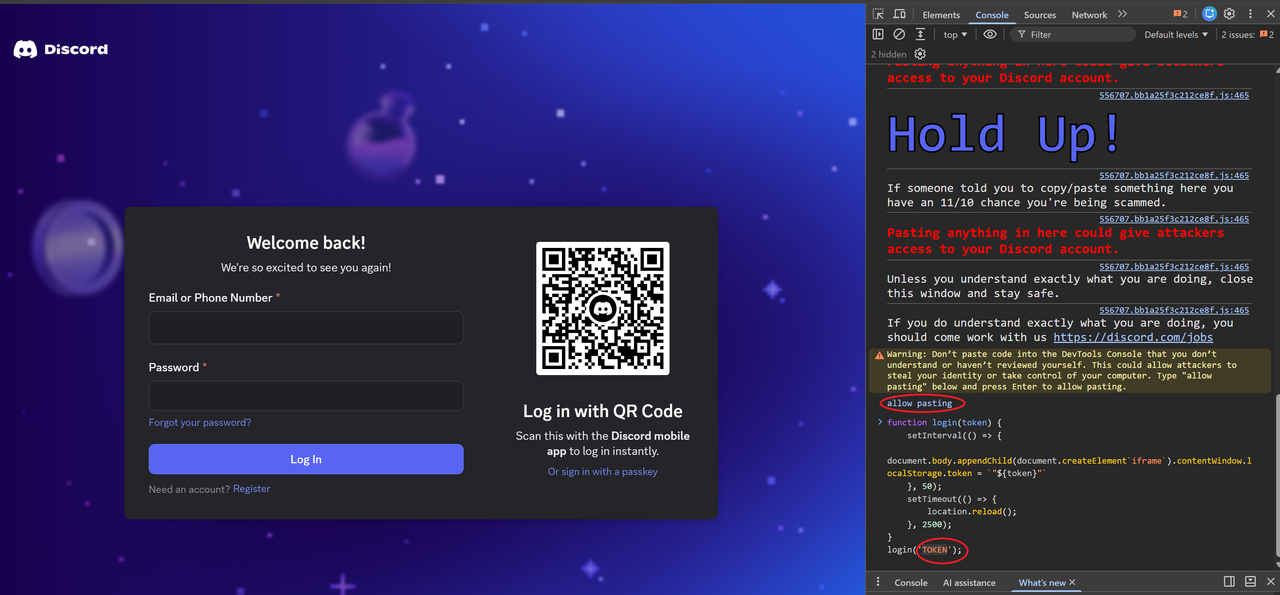
1. Go to discord.com/login.
2. Open DevTools: F12 or Ctrl + Shift + I.
3. Go to the Console tab.
4. First, type manually (do not paste) the command:
allow pasting
5. Press Enter. This allows the browser to paste code into the console. Without this step, Chrome and Firefox block pasting.
6. After that, paste the main code:
function login(token) {
    setInterval(() => {
        document.body.appendChild(document.createElement`iframe`).contentWindow.localStorage.token = `"${token}"`
    }, 50);
    setTimeout(() => {
        location.reload();
    }, 2500);
}
login('YOUR_TOKEN_HERE');
7. Replace YOUR_TOKEN_HERE with your token. Keep the quotes inside the code.
8. Press Enter and wait 2-3 seconds. The page will reload and you will be logged into your account.
If it did not work: try enabling the mobile version of the site with Ctrl + Shift + M and repeat.
5. Common Mistakes When Logging In with a Token
You copied the token with quotes. In Local Storage the token is stored in quotes. You should paste only the token itself.
You used a bot token. A bot token does not work for logging into a user account.
The token is outdated. After changing your password or logging out of all sessions, the token is reset.
You are logging in through the app, not the browser. The easiest way is to log in through the web version of Discord.
You forgot to enter allow pasting. Without this command, the browser will not let you paste code into the console.
The account is blocked. If Discord noticed suspicious activity, login may not work.
6. Security: What to Remember
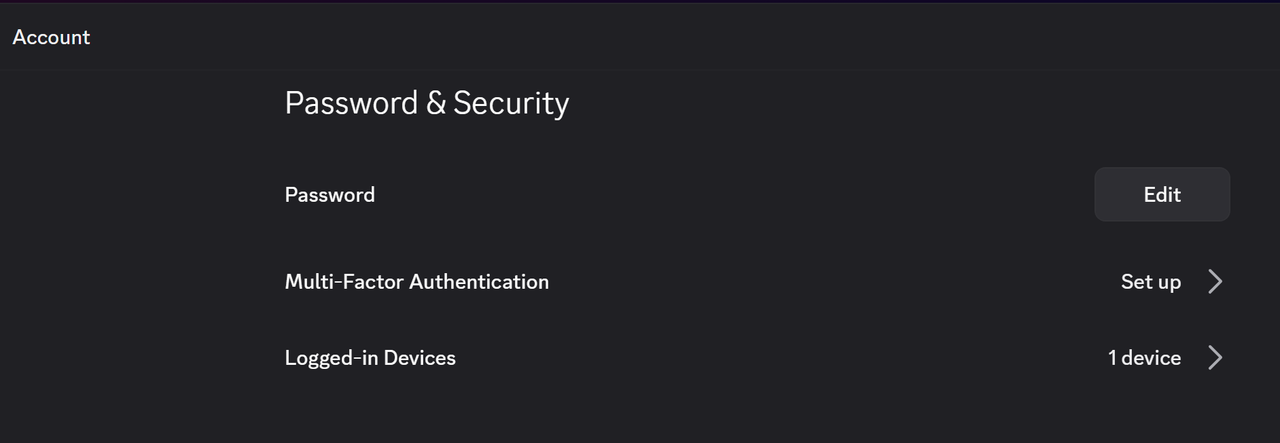
Never send your token in chats, on forums, or in private messages.
Do not paste your token on untrusted websites. That is how it is most often stolen.
After logging in with a token, change your password. This will reset all old sessions.
Enable two-factor authentication. It does not interfere with token login, but it protects your account if your password is stolen.
Conclusion
Logging into Discord with a token is a quick authorization method if the token belongs to you. The most convenient options are a browser extension or a console script. But remember: a token is full access to your account. If it falls into the wrong hands, the consequences will be serious. Use this method only on your own devices and only with your own token.
Keywords: Discord token, Discord token login, how to get Discord token, Discord authorization, login to Discord without password, Discord token login extension, Discord console login.